01Properties
Add your properties
Create a profile for each property with room-by-room checklists, access details, reference photos, and cleaning requirements.
From check-out to check-in, four simple steps keep every changeover on track.
Set your property standards, create jobs manually or with calendar sync, and follow each clean with live progress, photo updates, and completion records.
Create a profile for each property with room-by-room checklists, access details, reference photos, and cleaning requirements.
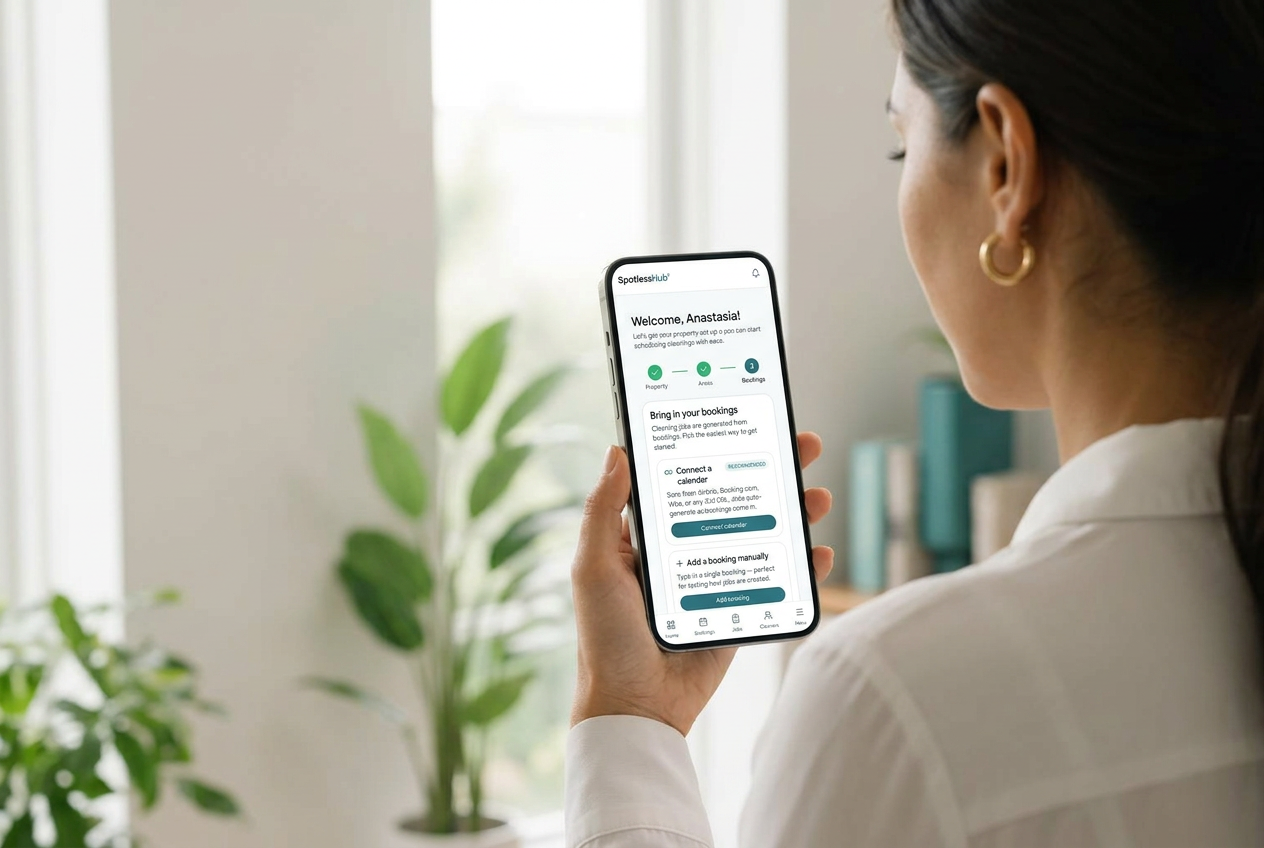
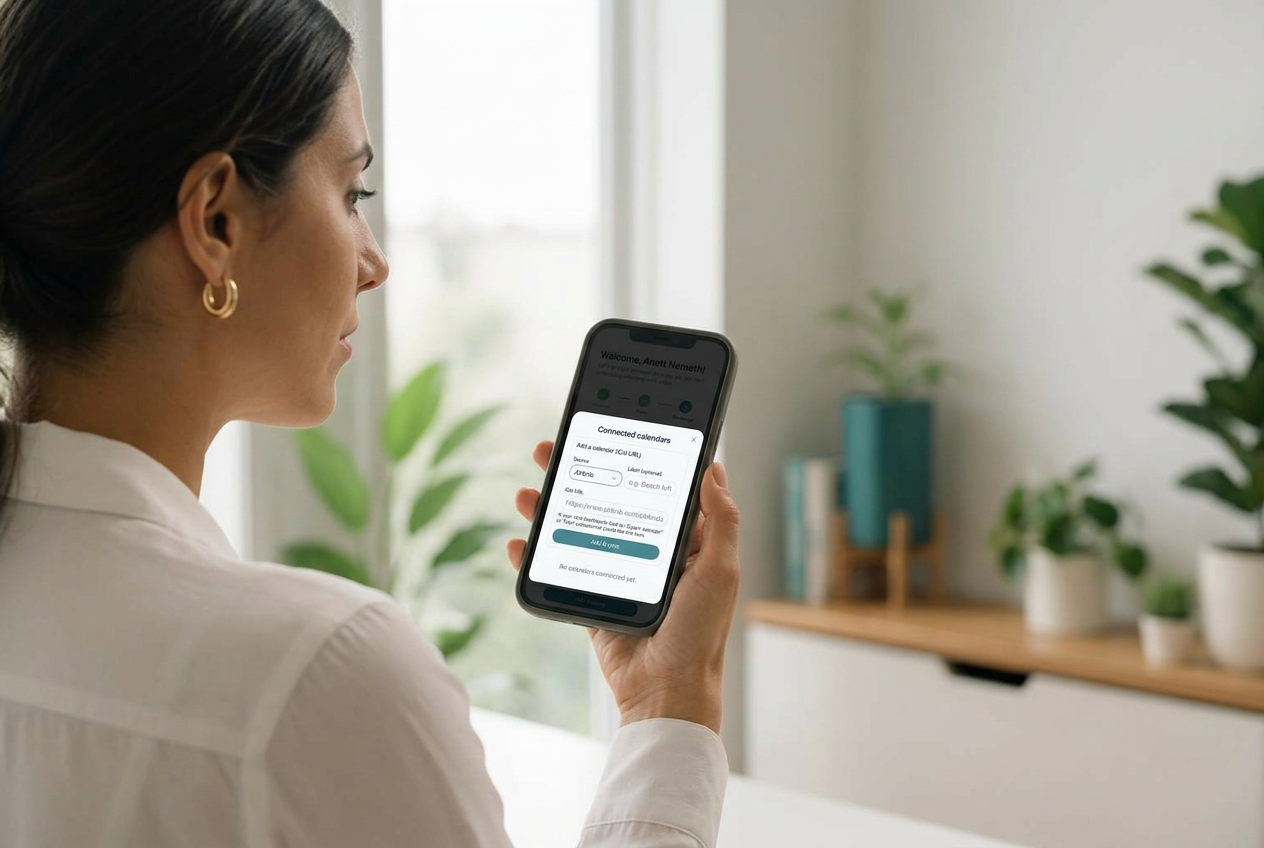
Schedule cleans manually or upgrade to calendar sync so SpotlessHub can create jobs as bookings are added.
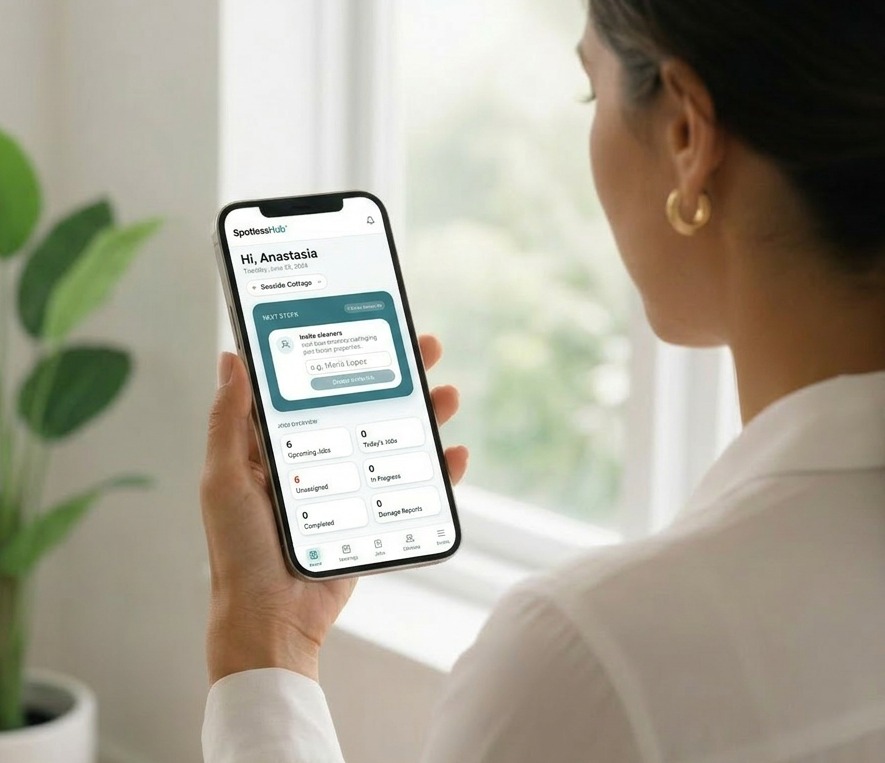
Invite your team, assign cleaners to the right properties, and give everyone the details they need before and during each job.
See when a clean starts, what has been completed, which photos have been uploaded, and whether anything needs your attention.
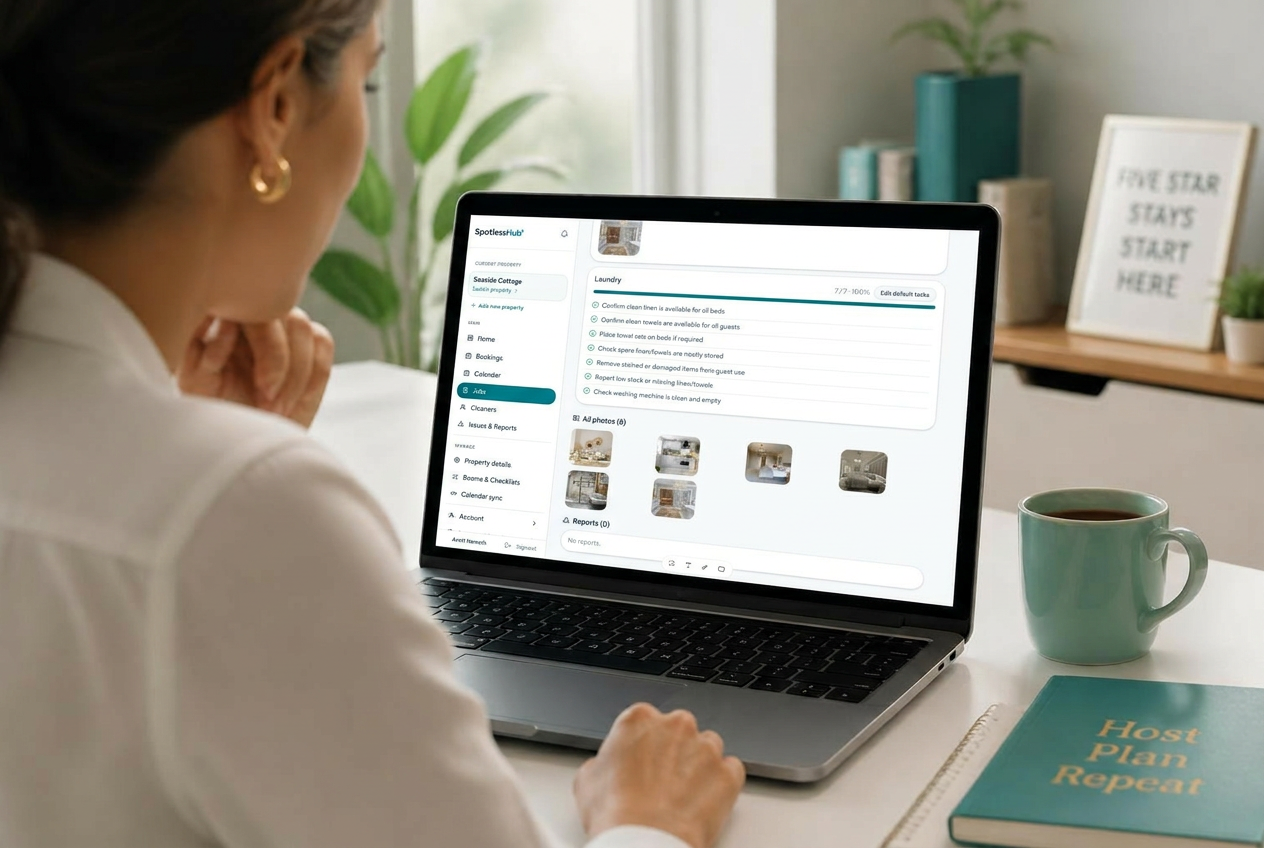
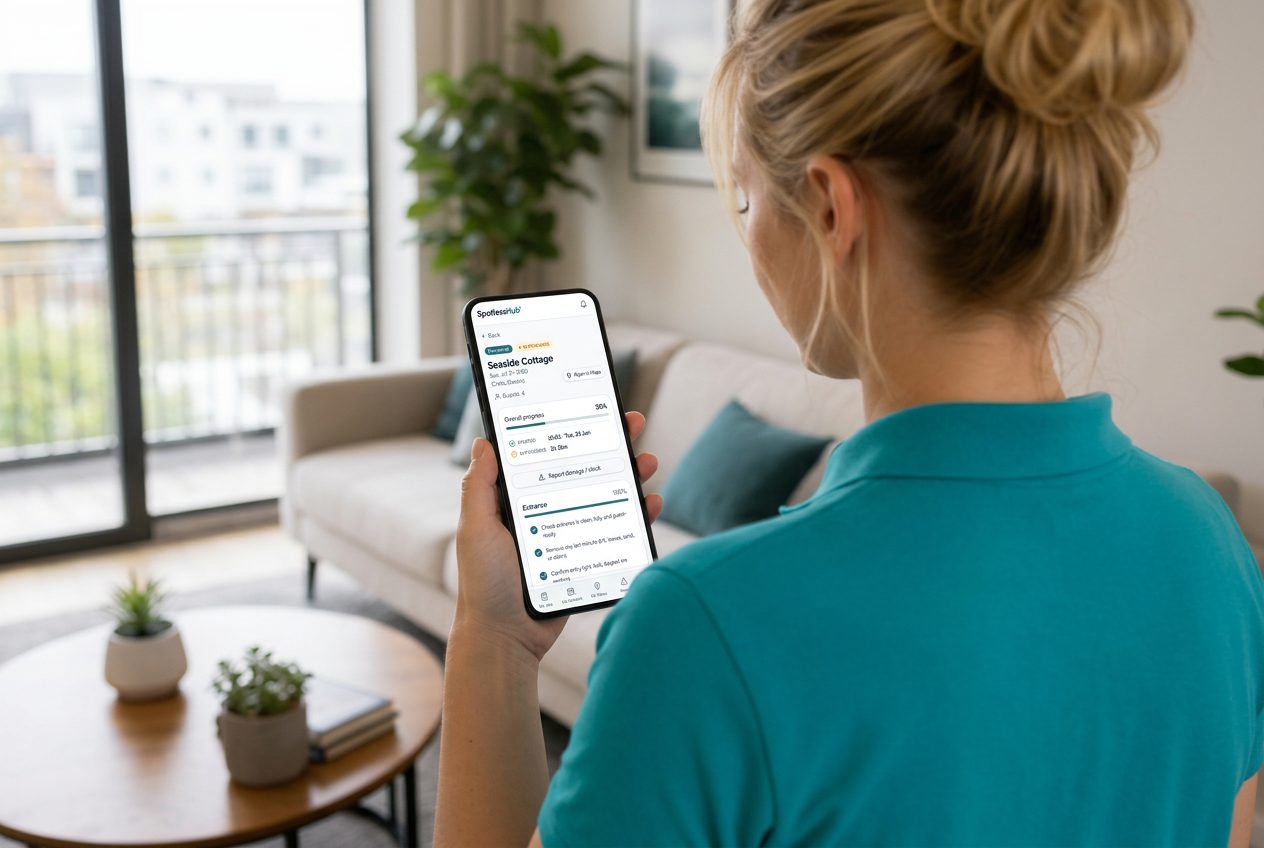
Cleaners get a clean, mobile-first view of their day: the address, the checklist, and the reference photos for the rooms they're cleaning. They tick tasks off, snap a photo, and move on — no extra apps, no logins to remember.